
You can easily convert a colour from RGB, HEX, Lab, CMYK and RAL colours to the closest matching NCS code.
On desktop
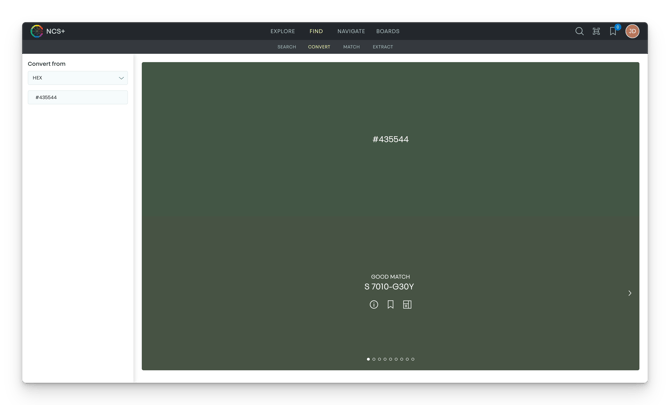
- Click on Find and then on Convert in the main menu.
- Select the colour system you want to convert from in the dropdown in the left panel.
- Input the colour value(s)
In the results, you will find the closest matching NCS code for the colour value(s) you have selected along with the rating which indicates how close the NCS code is for the selected colour value(s)
Note: At this point, we cannot provide RAL conversions. Check back again soon for an update.
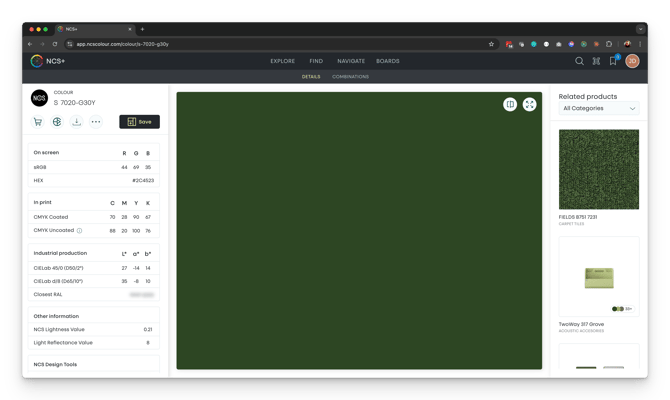
You can also convert from NCS to the closest values in many other colour spaces such as HEX, RGB, CMYK, etc by viewing any NCS colour (for example https://app.ncscolour.com/colour/s-2570-r) and scrolling down in the left side panel, where you will find the conversion value for that particular colour.